
10 Best Superwhisper Alternatives in 2026 (Free and Open-Source)
TL;DR
The right Superwhisper alternative depends on why you are leaving. For casual dictation, choose Handy: free, open source, fully local, and available on Mac, Windows, and Linux. For serious or confidential work, choose Voibe: one choice of on-device or zero-retention cloud instead of a model menu, security documentation and BAAs, a lifetime option for $50.99 less, and bot-free meeting notes on Mac and Windows. For the closest local Mac app at a fraction of the price, choose VoiceInk. For polished cloud dictation with nothing to configure, choose Wispr Flow.
Superwhisper is a powerful product. It offers more speech and language models than any other dictation app, a free plan with unlimited local dictation, and one license for Mac, Windows, iPhone, and Android. But that power comes as settings. Its privacy depends on which model each mode uses, AI cleanup needs Pro, and lifetime costs $249.99. This guide helps you find the tool that fixes the problem you actually have.
Getting this choice right is worth the effort. In a peer-reviewed study by researchers at Stanford, the University of Washington, and Baidu, speech input was nearly three times faster than typing on a phone: 153 words per minute against 52 in English. Trust is the harder part. In a 2023 Pew Research Center survey of 5,101 U.S. adults, 73% said they have little or no control over the data companies collect about them, and 70% of those who had heard of AI had little or no trust in companies to use it responsibly. A dictation app hears everything you write, so where it sends your words matters as much as how fast it types them.
How we tested
This is a first-hand review. We used Superwhisper and each alternative for a week of real work, dictating the same kinds of email, chat messages, documents, and AI prompts we write every day. We then checked feature, platform, privacy, and pricing details against each product’s official site, documentation, and app-store listings on October 29, 2026. Superwhisper facts come from its plans page, documentation, changelog, privacy policy, refund policy, and trust center. Pricing changes frequently. We left out meeting bots such as Otter because they do not replace Superwhisper’s speak-into-any-app workflow.
Disclosure
Voibe is our product. We rank Handy first because for casual dictation a free, open-source app is the honest answer, and we rank Voibe second for the job it was built to do: confidential professional dictation on Mac and Windows, with meeting notes. We also name where it loses. Voibe has no phone or Linux app, its monthly plan costs more than Superwhisper Pro, and it does not let you pick models or write AI modes. If those matter most, stay with Superwhisper, or try Spokenly or Handy.
The Shortlist at a Glance
| Alternative | Best for | Platforms | Processing | Starting price |
|---|---|---|---|---|
| 1. Handy | free, open-source alternative for casual dictation | Mac, Windows, Linux | Local | Free and open source (MIT) |
| 2. Voibe | for confidential work without the model menu | Mac, Windows | On-device on Apple Silicon; zero-retention cloud on Mac and Windows | Free plan; Dictation $9.90/mo, $99/yr, or $199 lifetime; Work from $19/mo |
| 3. VoiceInk | like-for-like local Mac app for a fraction of the price | Mac (Apple Silicon); iPhone and iPad in beta | Local by default; optional cloud enhancement | $25 one-time for one Mac; $39 for two; $49 for three |
| 4. Wispr Flow | polished cloud dictation on every device | Mac, Windows, iOS, Android | Cloud | 2,000 words/week free on desktop; Pro $15/mo or $12/mo annually |
| 5. Spokenly | free local dictation with optional cloud models | Mac, Windows, Linux, iPhone | Local or cloud, depending on mode | Free local; Local+ $19 once; Pro $99.99/yr |
| 6. OpenWhispr | open-source option with an optional cloud | Mac, Windows, Linux; iPhone and iPad on Pro | Local models, your own API keys, or its cloud | Free with unlimited local models; Pro $80/yr |
| 7. Aqua Voice | for technical vocabulary and live text | Mac, Windows, iPhone, Android | Cloud on desktop; mobile modes vary | 1,000 words free; Pro $10/mo or $8/mo annually |
| 8. FluidVoice | free local AI cleanup on Mac | Mac; Windows and iPhone in beta | Local by default on Mac; optional cloud AI | Free; no paid tier |
| 9. MacWhisper | for transcribing files and recordings | Mac | Local | Free; Pro €64 once (App Store version from $6.99/mo) |
| 10. Apple Dictation | zero-install baseline on Mac and iPhone | Mac, iPhone, iPad | On-device for many languages; macOS settings show when audio goes to Apple | Free |
What Is Superwhisper in 2026?
Superwhisper is a voice-to-text app made by SuperUltra, Inc. It started on the Mac and now has apps for Mac, Windows, iPhone, and Android; its documentation lists Linux as coming soon. You speak into any text field, and a mode decides what happens next: a plain transcript, a cleaned-up message, a formatted email, or a note shaped by your own prompt.
The defining feature is choice. Free users get every local Whisper model, from Tiny to Large v3 Turbo. Pro adds local Parakeet and Cohere Transcribe models, cloud speech models from Superwhisper, Deepgram, and ElevenLabs, and language models from OpenAI, Anthropic, Google, and Groq alongside Superwhisper’s own S1 family. You can also bring your own API keys. In October 2026, Superwhisper 3.0 added Meetings on Mac, which records, transcribes, and summarizes calls without a bot, and 3.1 added FaceTime calls.
Superwhisper Pro costs $8.49 a month, $84.99 a year, or $249.99 once, and one license covers all four platforms. New users get 3,000 words of Pro features to try, verified students, faculty, and non-profits get 40% off, and there is a 30-day refund window from the first purchase. Its trust center lists SOC 2 Type II and HIPAA compliance, with a BAA for its cloud models.
What Superwhisper Still Does Well
Be clear about what you would give up. No alternative here matches Superwhisper on all of these at once.
- Model choice: more than 30 speech and language models, local and cloud, plus your own API keys. No other app here offers as many.
- A generous free plan: unlimited dictation with every local Whisper model, which Superwhisper made free on the Mac in August 2026.
- Custom AI modes: write your own prompts for emails, notes, code comments, or translation, and switch between them.
- Four platforms on one license: Mac, Windows, iPhone, and Android, with no device limit on Mac and Windows computers.
- Fast-moving development: its changelog shows new models or features in most months of 2026.
Why People Are Looking for a Superwhisper Alternative
Our own week with Superwhisper matched what we hear from people who switch. The depth of models and modes is real, and it was stable for us apart from one recurring annoyance: default mode switching was occasionally unreliable. Here is the longer version, with sources.
1. There is a lot to configure
Superwhisper’s model library lists more than 30 speech and language models across local, cloud, and bring-your-own-key options, and each mode can use a different pair. That is a feature if you enjoy tuning, and a chore if you just want to talk. Our Superwhisper review found it takes 15 to 30 minutes to reach a useful setup, and Product Hunt reviewers describe the learning curve as overwhelming.
2. Privacy depends on which model each mode uses
With a local model, Superwhisper says “your audio and transcripts never leave your device.” With its cloud models, audio and transcripts are “processed in memory and are not stored after the request completes,” but third-party providers “process it under their own terms,” and its privacy policy names OpenAI, Anthropic, Google, Groq, xAI, Deepgram, and ElevenLabs. With your own API keys, requests go straight to that provider. So the privacy of a dictation depends on a setting in the mode you happened to use. Read cloud vs. local dictation for the trade-offs.
3. Your recordings pile up on disk
Superwhisper’s privacy policy says recordings on your device are kept until you delete them, unless you set auto-delete. That is convenient for re-processing a dictation, but it also means a growing archive of raw audio of everything you have said, which many people do not realize is there.
4. The free plan has no AI cleanup
Free modes run with “no AI processing,” so you get a raw transcript: no filler-word removal, no self-corrections, and no formatting beyond what Whisper produces. Cleanup, AI modes, file transcription, and Meetings all need Pro. The Pro trial also shrank in August 2026, from 15 minutes of use to 3,000 words.
5. Lifetime costs $249.99, and Intel Macs need Pro
Pro is fairly priced month to month, but owning it outright costs $249.99, and three years of annual billing comes to $254.97. Superwhisper also says Intel Macs “work best with Cloud models,” which are Pro-only, so older Macs effectively need a paid plan to dictate well. See the full plan math in our Superwhisper pricing guide.
6. Windows trails the Mac
Superwhisper’s own Windows documentation lists what is missing compared with the Mac: no Meetings tab, no coding-agent integrations or CLI, and no Filesync. Users on its public feedback board have also reported crashes, freezes, and clipboard problems on Windows. Our Superwhisper platform guide tracks what works where.
7. No Linux app yet
Linux is listed as “coming soon” in Superwhisper’s documentation, with no date. Handy, Spokenly, and OpenWhispr already run on Linux, and the first two cost nothing for local dictation. Compare the most popular free option in Handy vs Superwhisper.
How Voibe Solves Superwhisper’s Biggest Problems
Voibe is our product, so here is the specific case, problem by problem, including the Superwhisper jobs it does not do.
Customer story
A financial planner takes client meeting notes with no bot in the room and no copies on a vendor’s server.
An independent financial planner runs discovery calls, annual reviews, and rollover conversations from an Apple Silicon Mac. The planner would not put a bot in a client meeting, did not want a vendor holding copies of those conversations, and needed CRM notes written before the day ran away. Here is how one Voibe setup covers all three.
- No bot in the client review. Voibe Work captures meetings from the Mac in Zoom, Teams, Meet, or Webex, or in person through the microphone, and reminds the planner to tell participants. Transcripts and summaries stay on the Mac.
- Client vocabulary spelled right. Surnames, fund families, tickers, custodians, and terms like RMD, QCD, and IRMAA go into the Dictionary.
- CRM notes dictated on-device. Follow-up notes and recap emails run fully on the Mac, with Memory shortcuts for standard disclosures and signatures.
- One app, one decision. No models to choose per mode and no API keys: dictation and meeting notes in the same plan.
More than 30 speech and language models, plus modes and API keys
Setup time, and privacy that depends on which model each mode uses
With Voibe: One decision: on-device or zero-retention cloud. No API keys, model menus, or vendor accounts, and the same privacy terms in every app you dictate into.
Cloud models from seven providers, each “under their own terms”
Another privacy policy to read for every model you pick
With Voibe: Zero-retention cloud mode uses open-source models; audio is deleted the moment transcription completes and is never used for training. Our Cloud AI privacy page names every provider.
Recordings kept on your computer until you delete them
A growing archive of raw audio unless you set auto-delete
With Voibe: Voibe does not keep your audio in either mode.
AI cleanup needs Pro and a mode you configure
Raw transcripts on the free plan, prompts to write on Pro
With Voibe: Smart Formatting removes filler words, adds punctuation, and breaks paragraphs from the first dictation. It does not paraphrase or add words.
$249.99 for a lifetime license
More than most dictation apps cost to own
With Voibe: Voibe Dictation Lifetime is $199, $50.99 less.
Meetings are Mac-only, and Windows lacks several Mac features
A second notetaker for Windows users
With Voibe: Voibe Work adds bot-free meeting notes on Mac and Windows for $19 a month, with transcripts and summaries stored on your computer.
Intel Macs work best with cloud models, which are Pro-only
Paying before an older Mac dictates well
With Voibe: Intel Macs and Windows PCs use zero-retention cloud mode, with no model to pick and no keys to add.
Dictation on your phone, custom prompts, or Linux
Superwhisper does the first two well, and Linux is coming soon
With Voibe: Not covered: Voibe has no mobile or Linux app and no custom AI modes. Keep Superwhisper for those, or see Handy and Spokenly for Linux.
| Superwhisper problem | What it costs you | How Voibe handles it |
|---|---|---|
| More than 30 speech and language models, plus modes and API keys | Setup time, and privacy that depends on which model each mode uses | One decision: on-device or zero-retention cloud. No API keys, model menus, or vendor accounts, and the same privacy terms in every app you dictate into. |
| Cloud models from seven providers, each “under their own terms” | Another privacy policy to read for every model you pick | Zero-retention cloud mode uses open-source models; audio is deleted the moment transcription completes and is never used for training. Our Cloud AI privacy page names every provider. |
| Recordings kept on your computer until you delete them | A growing archive of raw audio unless you set auto-delete | Voibe does not keep your audio in either mode. |
| AI cleanup needs Pro and a mode you configure | Raw transcripts on the free plan, prompts to write on Pro | Smart Formatting removes filler words, adds punctuation, and breaks paragraphs from the first dictation. It does not paraphrase or add words. |
| $249.99 for a lifetime license | More than most dictation apps cost to own | Voibe Dictation Lifetime is $199, $50.99 less. |
| Meetings are Mac-only, and Windows lacks several Mac features | A second notetaker for Windows users | Voibe Work adds bot-free meeting notes on Mac and Windows for $19 a month, with transcripts and summaries stored on your computer. |
| Intel Macs work best with cloud models, which are Pro-only | Paying before an older Mac dictates well | Intel Macs and Windows PCs use zero-retention cloud mode, with no model to pick and no keys to add. |
| Dictation on your phone, custom prompts, or Linux | Superwhisper does the first two well, and Linux is coming soon | Not covered: Voibe has no mobile or Linux app and no custom AI modes. Keep Superwhisper for those, or see Handy and Spokenly for Linux. |
The providers behind zero-retention cloud mode are listed on our Cloud AI privacy page, and our security documentation covers the rest of the data path.
Moving from Superwhisper to Voibe
- Copy your Superwhisper vocabulary and paste the list into Voibe’s Dictionary. Names, product terms, and jargon come with you.
- Pick where dictation runs. On an Apple Silicon Mac, choose on-device mode to keep everything local, or zero-retention cloud mode. Windows and Intel Macs use cloud mode.
- Set your hotkey for push-to-talk, and try Hands-Free mode for anything longer than a few sentences.
- Turn your text replacements into Memory shortcuts, such as your sign-off, a meeting link, or a standard reply.
- Delete your old recordings. Superwhisper keeps them on your computer until you remove them, so clear the folder once you have moved over.
How We Chose the 10 Alternatives
Every app here went through a week of daily use before we ranked it. To make the list, a product had to provide live, system-wide dictation, cover the file-transcription job many people use Superwhisper for, or be the built-in baseline a buyer would reasonably compare against it. We judged each on six things.
- Workflow match: Can you speak into email, chat, documents, browsers, and AI prompts the way you do with Superwhisper?
- Platform truth: Is the app available today on the platforms listed, rather than on a waitlist?
- Processing model: Is transcription local, cloud-based, or selectable, and is it clear which one you are using?
- Setup burden: How much do you have to configure before the output is good enough to send?
- Total cost: Is the free plan reusable, and what do three years of normal use cost?
- Openness and maturity: Is the code open, is the product actively maintained, and is there a real support path?
The 10 Best Superwhisper Alternatives in 2026
1. Handy: Best free, open-source alternative for casual dictation
Platforms: Mac, Windows, Linux · Processing: Local · Pricing: Free and open source (MIT)
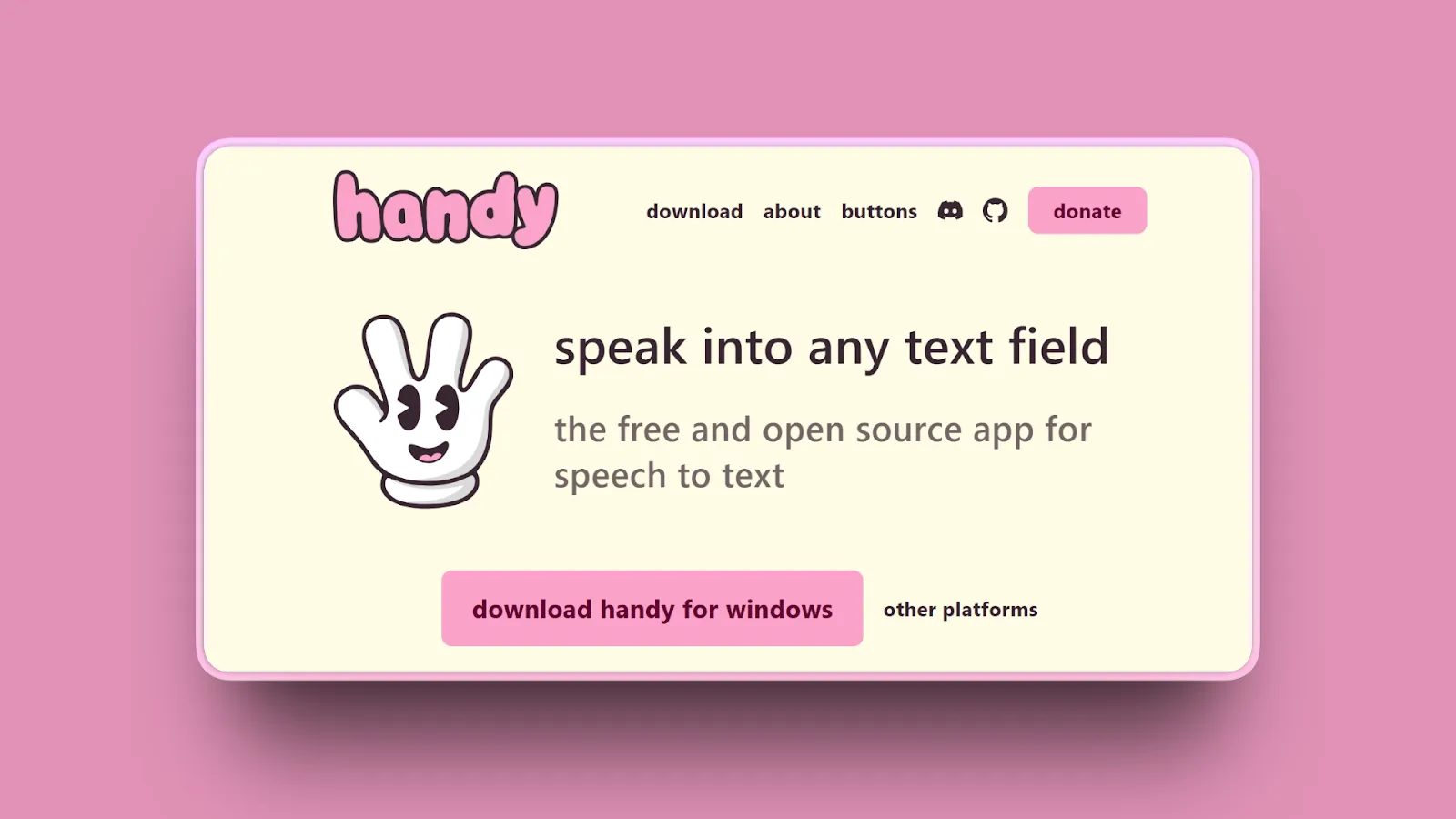
Handy is the best place to start if you dictate casually and like Superwhisper’s local models but not its settings. It costs nothing, runs Whisper and Parakeet models entirely on your computer, and works on Mac, Windows, and Linux, which Superwhisper does not support yet. It is an MIT-licensed project on GitHub with more than 30,000 stars. What it lacks is everything around the dictation that serious work tends to need: a vendor to support you, published security documentation, compliance paperwork, and meeting notes.
Our week with Handy
Handy did the job once it was running, but the initial setup was a pain, we ran into some performance issues, and it felt unpolished next to the commercial apps. It is fine for casual dictation; we were not convinced we would rely on it every working day.
Key features
- Push-to-talk or toggle dictation into any text field
- Local Whisper and Parakeet models, with voice-activity detection
- Filler-word removal
- Runs on Mac (Apple Silicon and Intel), Windows, and Linux
- No account, subscription, or internet connection needed after setup
Where it wins
- Completely free, with a permissive license
- Audio never leaves your computer
- Parakeet for free, which is a Pro model in Superwhisper
- The strongest free option for Linux users
Where it loses
- No AI modes or custom prompts like Superwhisper Pro
- No meeting notes or file transcription
- Community support only, with no security documentation or BAA for regulated work
- Fiddly initial setup, and it feels unpolished next to the commercial apps
- No mobile apps
Bottom line: Choose Handy for casual dictation on any desktop, including Linux, when free and local matter more than polish, support, or meeting notes. If dictation is part of serious or confidential work, look at Voibe next.
2. Voibe: Best for confidential work without the model menu
Platforms: Mac, Windows · Processing: On-device on Apple Silicon; zero-retention cloud on Mac and Windows · Pricing: Free plan; Dictation $9.90/mo, $99/yr, or $199 lifetime; Work from $19/mo
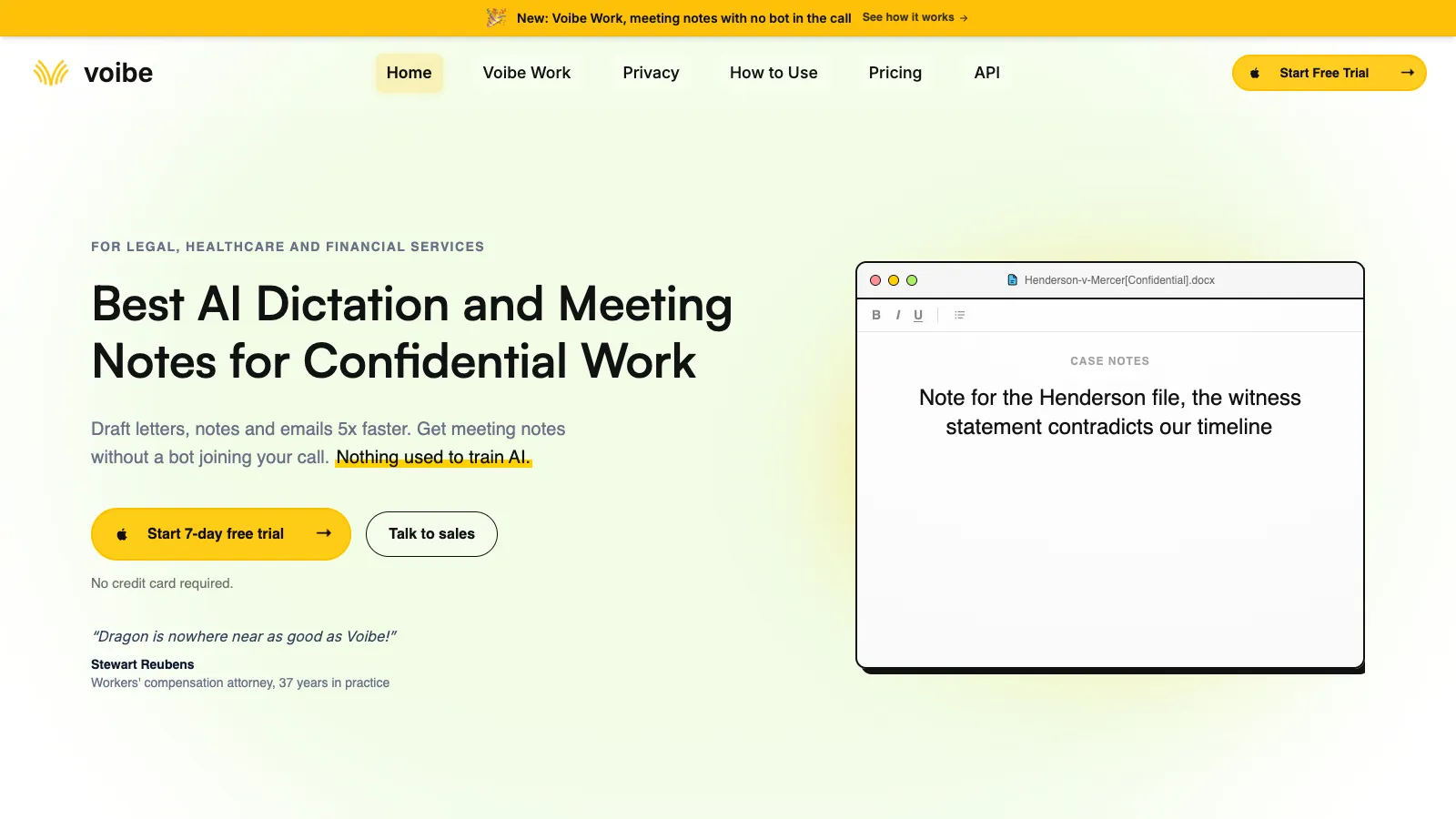
Voibe is the Superwhisper alternative for people who want private dictation without becoming the administrator of their own speech stack. There is one decision to make: run dictation fully on-device on an Apple Silicon Mac, or on zero-retention cloud with open-source models. There are no API keys, model menus, or modes to set up. Smart Formatting strips filler words and punctuates without rewriting what you said, every paid plan includes unlimited dictation, and the Voibe Work plan adds bot-free meeting notes on Mac and Windows.
A lifetime license for $50.99 less than Superwhisper
Superwhisper Pro Lifetime costs $249.99. Voibe Dictation Lifetime is $199 once, with unlimited dictation on your Mac and your Windows PC. If you also take meetings, Voibe Work adds bot-free meeting notes on both Mac and Windows for $19 a month, $149 a year, or $399 once, with transcripts and summaries stored on your computer. Superwhisper’s new Meetings feature is Mac-only.
Trusted by 4,000+ professionals, including people at Netflix, NVIDIA, Amazon, Twilio, and Intercom




“I tried Voibe because I wanted privacy focussed dictation on my Mac... Now I catch myself talking to my laptop for everything.”
Key features
- Push-to-talk and hands-free dictation into any desktop app on Mac and Windows, plus Live Dictation on Mac
- Fully on-device transcription on Apple Silicon Macs, or zero-retention cloud transcription with open-source models
- Smart Formatting removes filler words, punctuates, and breaks paragraphs without rewriting your words
- A Dictionary that feeds names and jargon into transcription itself, plus Memory shortcuts for text you repeat
- Developer Mode resolves file names, folder paths, and identifiers in Cursor, VS Code, and Windsurf
- Voibe Work adds bot-free meeting notes on Mac and Windows in Zoom, Teams, Meet, or any meeting app, with transcripts and summaries stored on your computer
- One seat covers your Mac and your Windows PC
Where it wins
- One choice, on-device or zero-retention cloud, instead of a menu of models, modes, and API keys
- Works offline in on-device mode, on flights and on locked-down networks
- Audio is never stored, sold, or used to train AI in either mode
- Unlimited dictation on every paid plan, and Hands-Free mode keeps listening for as long as you need
- $199 lifetime option, $50.99 less than Superwhisper Lifetime
- Meeting notes on Windows as well as Mac
- BAAs are available on request, without an enterprise contract
- Published security documentation and clear permission boundaries make IT review easier
Where it loses
- No iPhone, iPad, Android, or Linux app; Superwhisper covers both phones
- Monthly and annual plans cost more than Superwhisper Pro: $9.90 against $8.49 a month
- No model choice or custom AI prompts: you cannot swap the speech model or write your own modes
- Voibe Free has limited words, while Superwhisper Free has unlimited local dictation
- On-device mode requires an Apple Silicon Mac; Windows and Intel Macs use zero-retention cloud mode
Bottom line: Choose Voibe if dictation is part of serious or confidential work and you would rather make one privacy decision than manage models per mode. It also fits if you want meeting notes on Windows. For casual dictation, Handy is free. If you enjoy tuning prompts and models, or dictate mostly on your phone, stay with Superwhisper.
See Voibe in action
Try Voibe with your own vocabulary
Start free on Mac or Windows. No credit card required.
3. VoiceInk: Best like-for-like local Mac app for a fraction of the price
Platforms: Mac (Apple Silicon); iPhone and iPad in beta · Processing: Local by default; optional cloud enhancement · Pricing: $25 one-time for one Mac; $39 for two; $49 for three
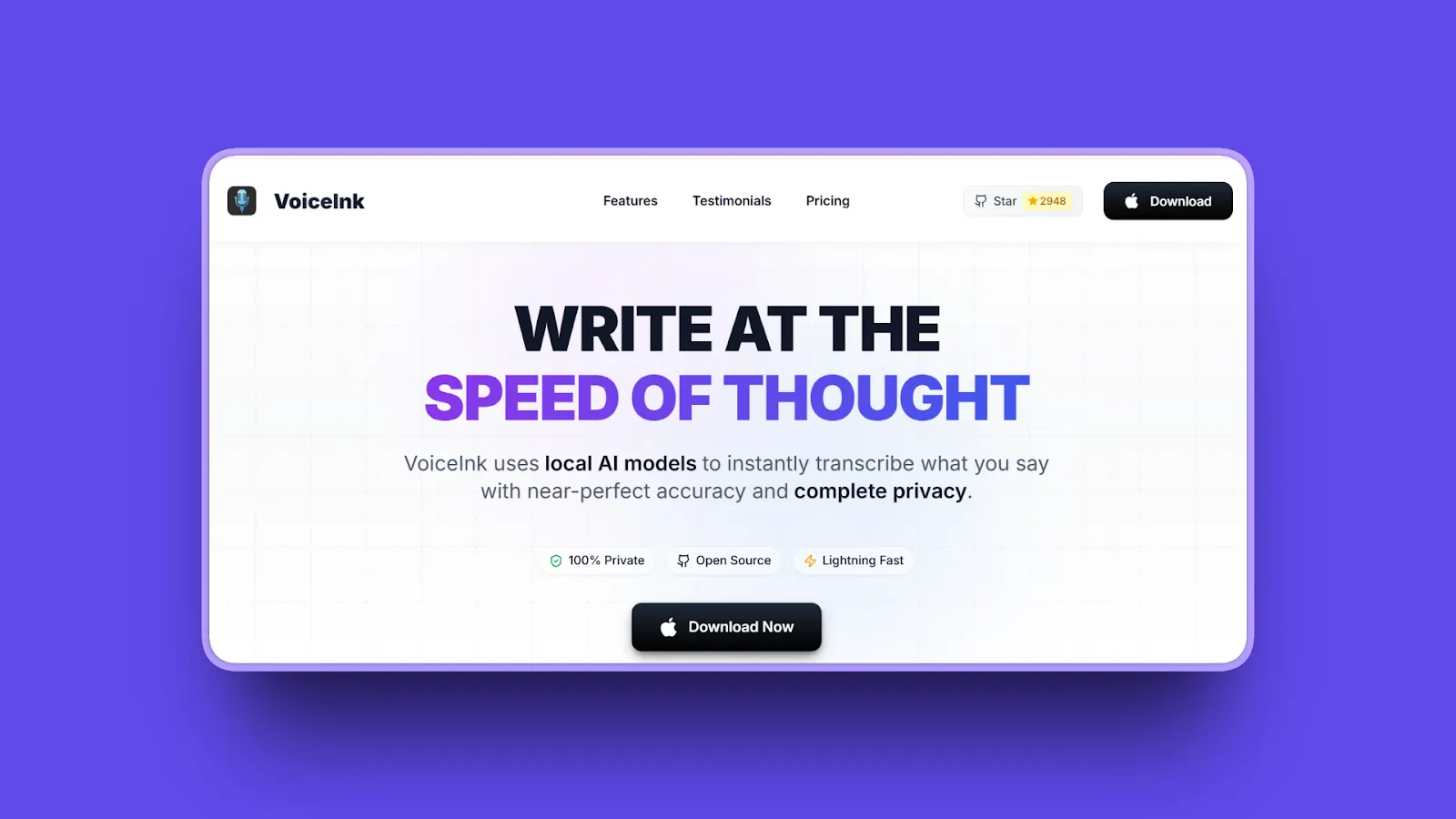
VoiceInk is the closest thing to Superwhisper on a Mac, for about a tenth of the lifetime price. It is a native, open-source app (GPL-3.0) with local speech models, context-aware modes, and a custom dictionary. You can build it from source for free, or buy a license for automatic updates and support.
Our week with VoiceInk
VoiceInk’s on-device recognition was reliable in our testing, and it is the cheapest route to private local dictation on a Mac. It felt less polished than the commercial apps.
Key features
- Local Whisper, Parakeet, and SenseVoice models
- Custom dictionary that can learn from your corrections, plus text replacements
- Context-aware AI enhancement modes, with optional cloud models
- File transcription and a quick history of recent dictations
- iPhone and iPad app, free during its beta
Where it wins
- One-time price with lifetime updates, from $25
- Fully offline when you stick to local models
- Source code is public
- 14-day money-back guarantee
Where it loses
- Mac only on the desktop, and Apple Silicon only
- No Windows, Android, or Linux app
- AI enhancement needs a cloud model or extra setup
- Smaller team than the commercial apps
Bottom line: Choose VoiceInk if you are on an Apple Silicon Mac and want Superwhisper-style local dictation and modes for the lowest one-time price.
4. Wispr Flow: Best polished cloud dictation on every device
Platforms: Mac, Windows, iOS, Android · Processing: Cloud · Pricing: 2,000 words/week free on desktop; Pro $15/mo or $12/mo annually
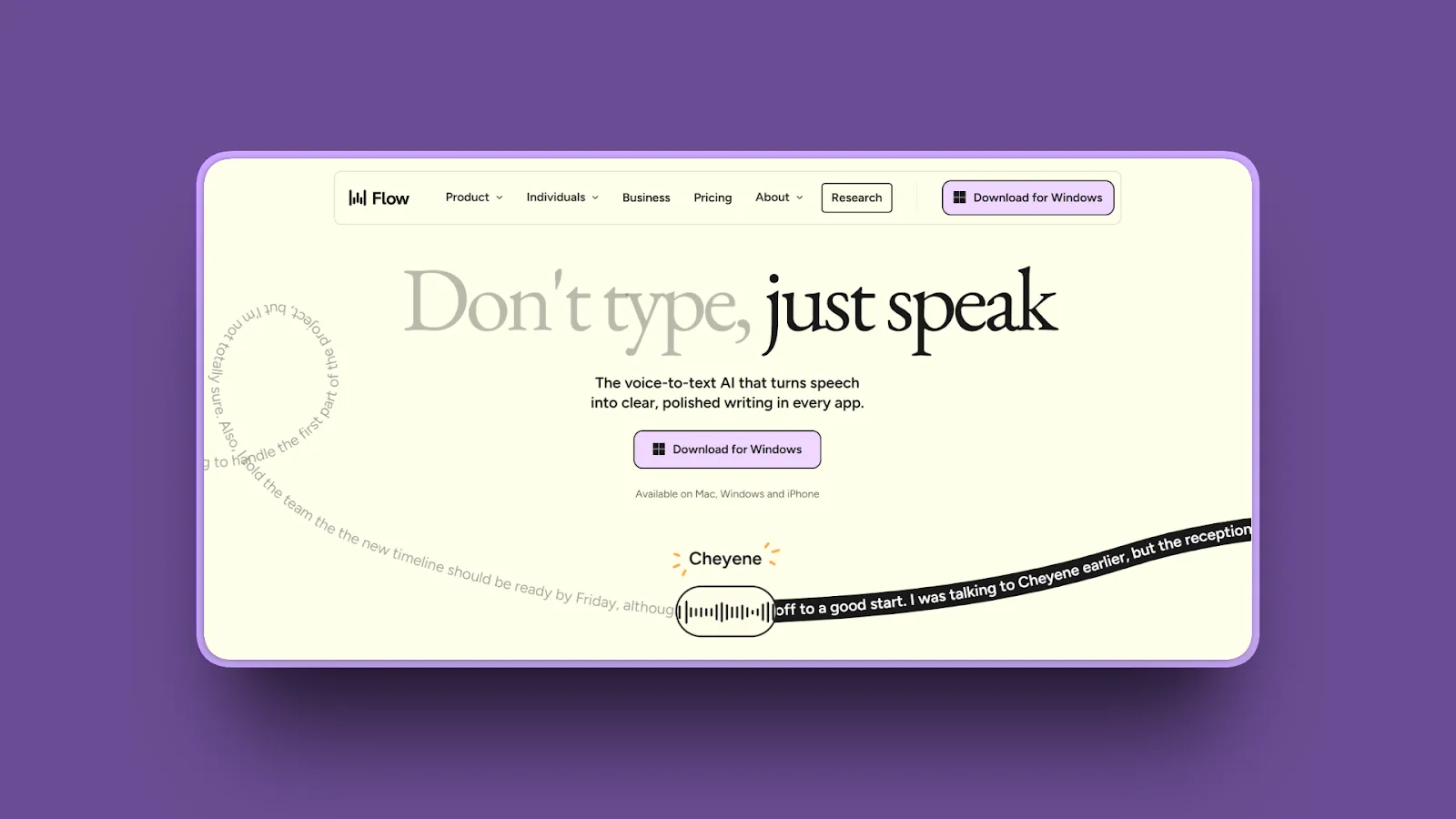
Wispr Flow is the opposite of Superwhisper’s philosophy: no models to pick, no modes to write, just cloud AI that removes filler words, fixes self-corrections, and adapts tone by app. It runs on the same four platforms as Superwhisper and adds a meeting notetaker on Mac and Windows.
Our week with Wispr Flow
Flow’s interface was clean and cross-device sync was fast. Stability was the problem: some days it needed coaxing back to life, which is not what you want from a tool you reach for dozens of times a day.
Key features
- System-wide dictation on Mac and Windows, plus iOS and Android apps
- Automatic cleanup of filler words, false starts, and punctuation in 100+ languages
- Styles, snippets, and a dictionary that learns names and jargon
- Bot-free Notetaker on Mac and Windows with speaker names, summaries, and action items
- SOC 2 Type II and ISO 27001, plus HIPAA support with a signed BAA
Where it wins
- Works well out of the box, with almost nothing to configure
- Same four-device reach as Superwhisper
- Meeting notes on Windows as well as Mac
- Mature team administration and compliance documentation
Where it loses
- Every dictation depends on the cloud and an internet connection
- No local models and no offline mode
- Subscription only, with no lifetime license
- Pro costs nearly twice Superwhisper Pro on monthly billing
Bottom line: Choose Wispr Flow if Superwhisper’s settings wore you down and you are happy to trade offline use for the most polished cloud dictation across desktop and phone.
5. Spokenly: Best free local dictation with optional cloud models
Platforms: Mac, Windows, Linux, iPhone · Processing: Local or cloud, depending on mode · Pricing: Free local; Local+ $19 once; Pro $99.99/yr
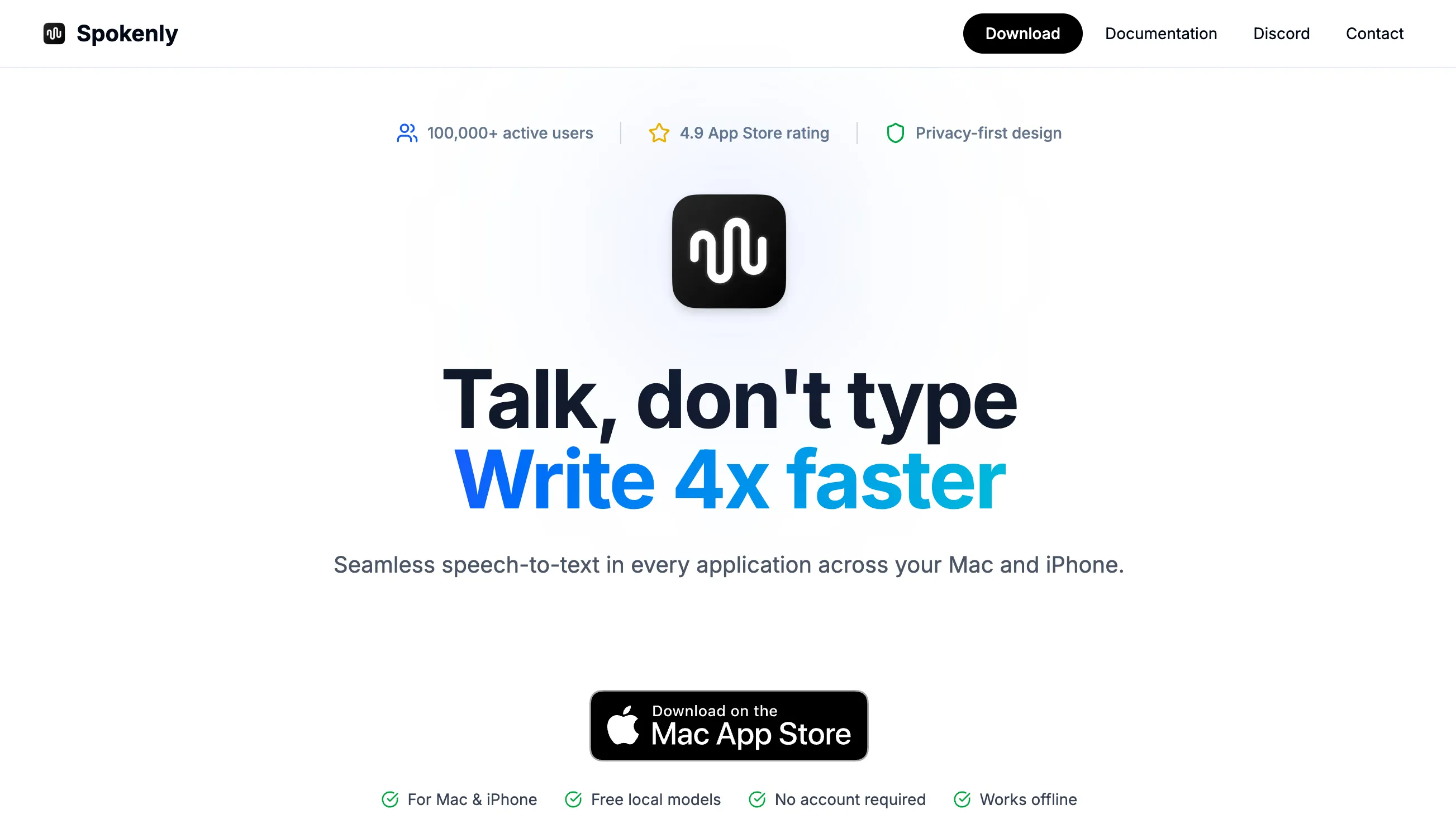
Spokenly works most like Superwhisper of the free apps here: local Whisper and Parakeet models for free, cloud models through your own API keys, and a paid plan for managed cloud models and AI cleanup. Unlike Superwhisper, it already runs on Linux.
Our week with Spokenly
On a MacBook Air M2, local mode handled ordinary email well. Parakeet felt quicker for short bursts, while Whisper struggled with some framework-specific coding terms. Setting up cloud access with our own API keys took more work.
Key features
- Unlimited local Whisper and Parakeet dictation on the free plan
- Bring your own cloud provider keys at no Spokenly fee
- Managed cloud models and AI cleanup on Pro
- Apps for Mac, Windows, Linux, and iPhone
Where it wins
- Free Parakeet, which Superwhisper reserves for Pro
- Linux support today
- A $19 one-time upgrade if you only want local extras
- Cloud models are optional, not required
Where it loses
- No Android app
- Bring-your-own-key cloud use means provider accounts and their charges
- Pro is a subscription that costs more per year than Superwhisper Pro
- Model and key setup is as fiddly as Superwhisper’s
Bottom line: Choose Spokenly if you want Superwhisper’s mix of local and cloud models for free on any desktop, including Linux, and do not mind configuring it.
6. OpenWhispr: Best open-source option with an optional cloud
Platforms: Mac, Windows, Linux; iPhone and iPad on Pro · Processing: Local models, your own API keys, or its cloud · Pricing: Free with unlimited local models; Pro $80/yr
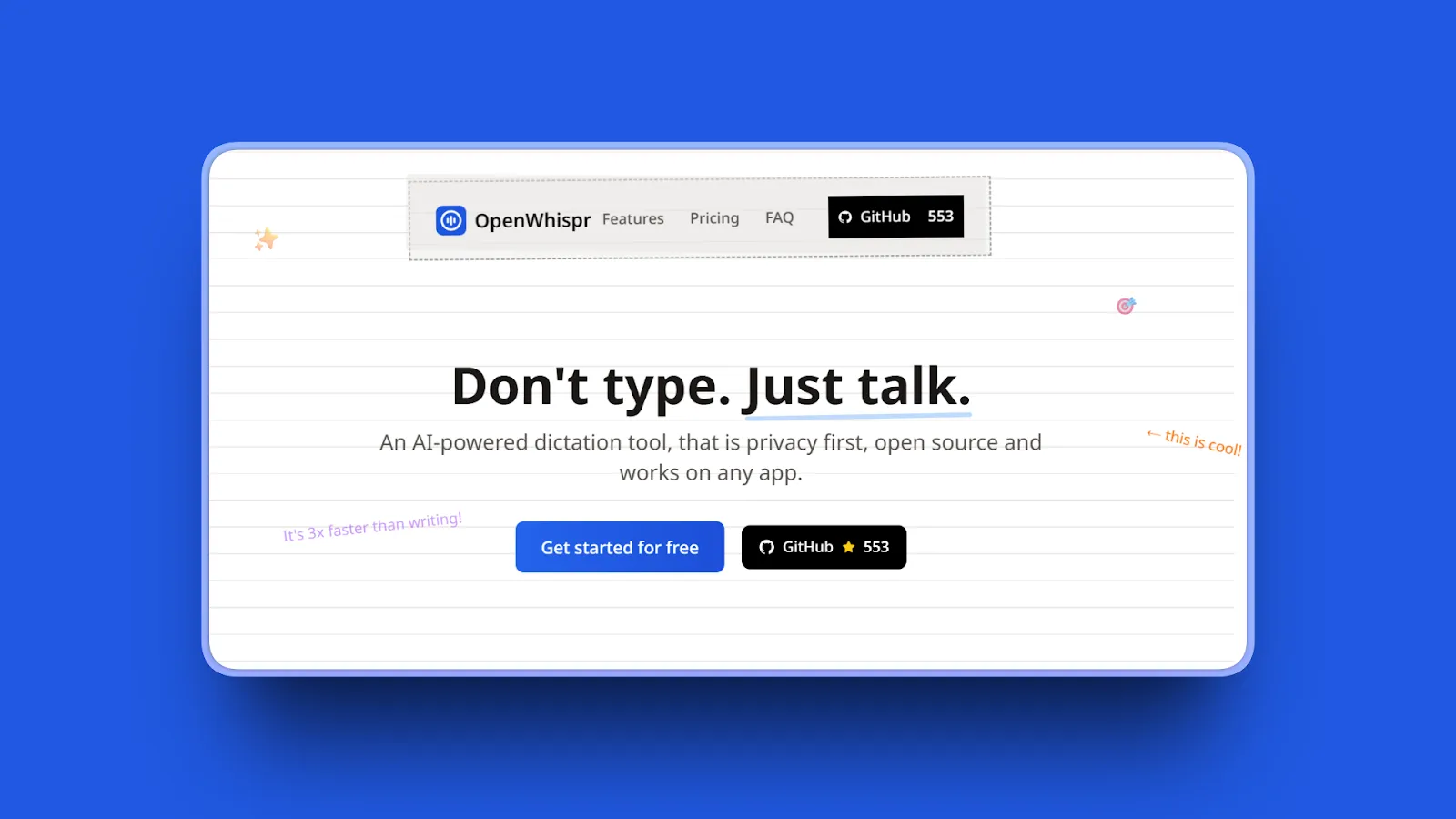
OpenWhispr is an MIT-licensed dictation app with the same local-or-cloud flexibility as Superwhisper, in code you can read. Local models are free and unlimited, you can bring your own API keys, and a paid plan adds unlimited cloud transcription, meeting recordings, and an iPhone app.
Key features
- Local speech models with no usage limit on any plan
- Bring your own API keys, or use its cloud with 2,000 free words a week
- AI cleanup, voice commands, and a dictionary that learns from corrections
- Meeting recordings: 5 hours a month free, 20 on Pro
- 100+ languages with auto-detection
Where it wins
- Open source, with a free local mode on Mac, Windows, and Linux
- Pro is slightly cheaper than Superwhisper Pro annual
- Meeting recordings on every desktop platform, including on the free plan
- Active development
Where it loses
- As many choices to make as Superwhisper if you go the local or API-key route
- Mobile app only on the paid plan, and no Android
- No lifetime license
- Smaller company and support team
Bottom line: Choose OpenWhispr if you want open-source code and local models but still want a managed cloud and meeting recordings when you need them.
7. Aqua Voice: Best for technical vocabulary and live text
Platforms: Mac, Windows, iPhone, Android · Processing: Cloud on desktop; mobile modes vary · Pricing: 1,000 words free; Pro $10/mo or $8/mo annually
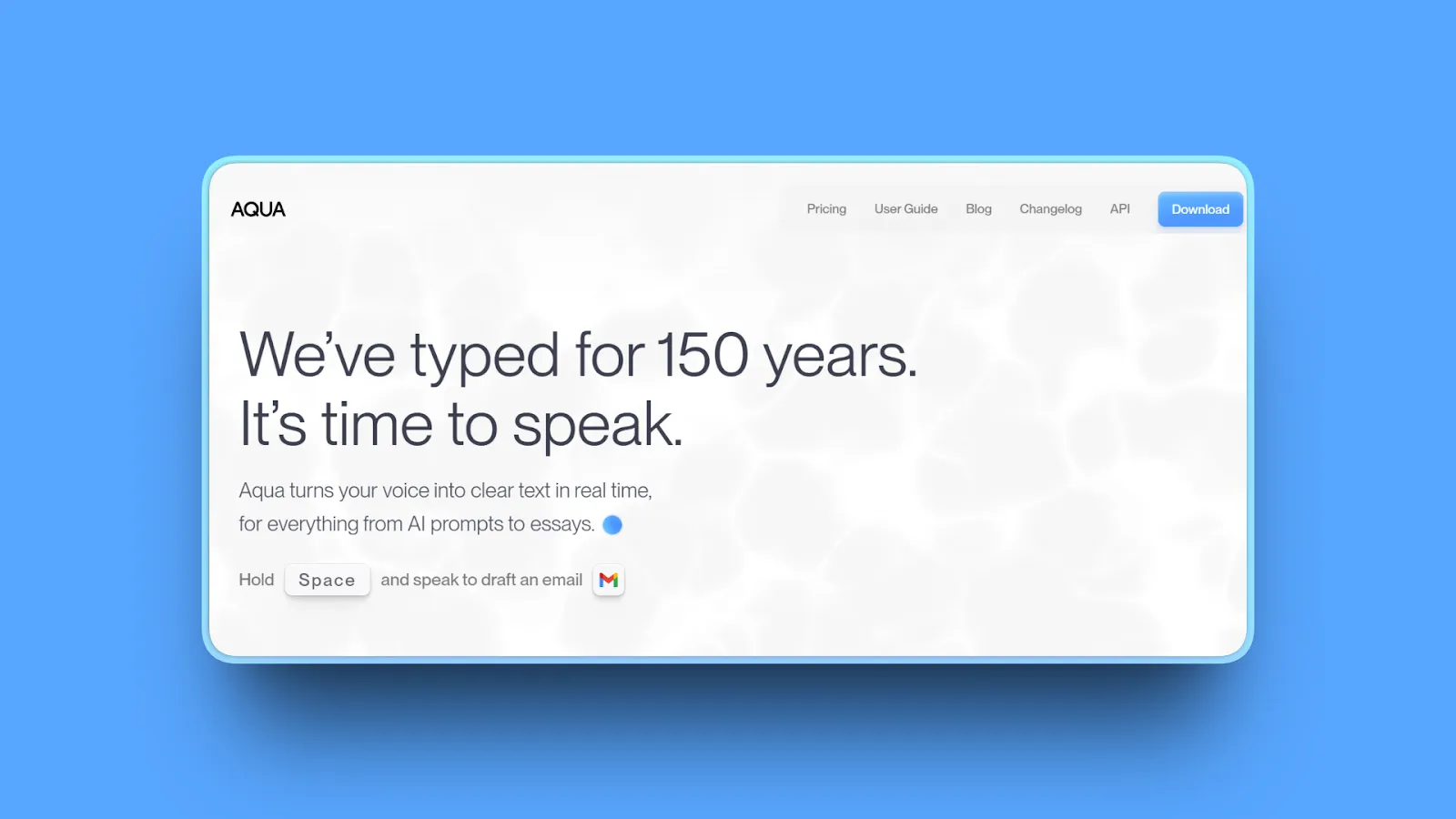
Aqua Voice is a fast cloud dictation app built around its own Avalon speech model. Where Superwhisper asks you to pick the right model for technical words, Aqua is tuned for them out of the box: code-adjacent language, product names, and AI prompts, with text that appears as you speak.
Key features
- System-wide dictation on Mac and Windows, plus iPhone and Android apps
- Uses on-screen context as a dictionary for names and technical terms
- Custom instructions and a custom dictionary
- Realtime Mode and a “send it” voice command on the Max plan
- Business plan adds SSO and zero data retention
Where it wins
- Excellent with technical vocabulary without any tuning
- Live, editable text instead of waiting for a final paste
- One model to learn instead of a library
- 70% student discount
Where it loses
- Desktop dictation needs an internet connection
- The free allowance is a one-time 1,000 words, not an ongoing plan
- Zero data retention is listed on the Business plan only
- No lifetime license
Bottom line: Choose Aqua if speed and technical accuracy matter most and you are comfortable with cloud processing.
8. FluidVoice: Best free local AI cleanup on Mac
Platforms: Mac; Windows and iPhone in beta · Processing: Local by default on Mac; optional cloud AI · Pricing: Free; no paid tier
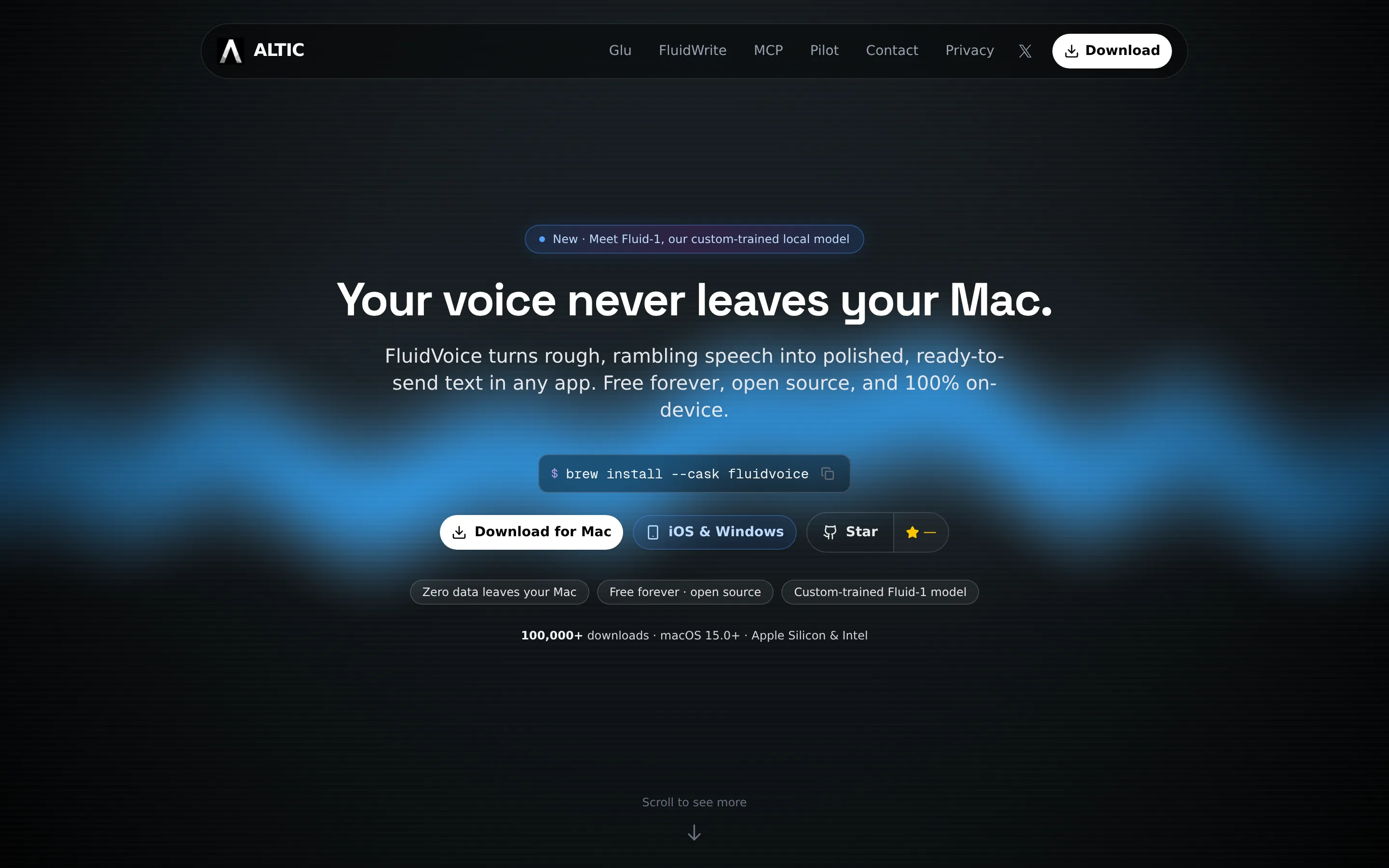
FluidVoice gives you something Superwhisper keeps behind Pro: AI cleanup of rough speech, running locally, for free. It pairs local speech recognition with a live preview and its own on-device cleanup model, with no subscription. The Mac app is the established version; Windows and iPhone are in beta.
Our week with FluidVoice
In three weeks of daily Mac use, we liked the live preview and local cleanup, but microphone switching sometimes broke dictation. One update clipped opening words until we rolled back, and the cleanup occasionally changed the meaning.
Key features
- Free Mac dictation with local speech models and no word cap
- Live preview while you speak
- Local Fluid Intelligence cleanup for filler words and rough phrasing
- Optional cloud AI providers rather than a required cloud path
Where it wins
- Free local AI cleanup, which Superwhisper Free does not include
- The app is GPLv3 open source
- No account or subscription
Where it loses
- Requires macOS 15 or later; Intel Macs get a narrower model selection
- Windows and iPhone builds are beta; no Linux or Android
- Microphone and update reliability issues in our test
- The Fluid Intelligence model itself is closed source
Bottom line: Choose FluidVoice if you want free local transcription and cleanup on a recent Mac and can tolerate a fast-moving app. Test your microphone setup before relying on it for work.
9. MacWhisper: Best for transcribing files and recordings
Platforms: Mac · Processing: Local · Pricing: Free; Pro €64 once (App Store version from $6.99/mo)
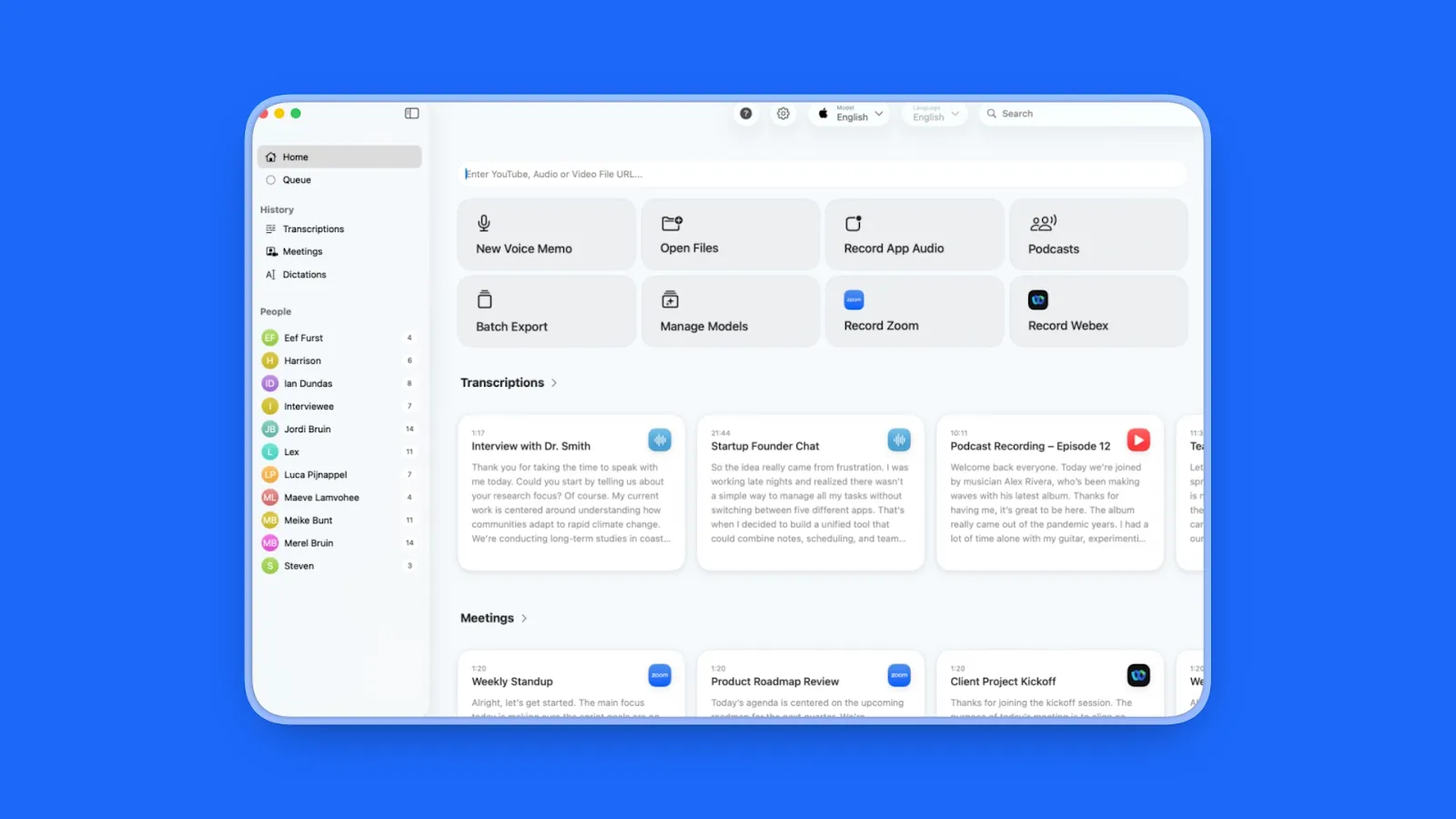
MacWhisper is the right pick if you used Superwhisper mostly to transcribe interviews, lectures, podcasts, or videos rather than to dictate. It runs Whisper models locally, handles batch folders, and exports subtitles, all for a one-time Pro license. System-wide dictation is included, but it is not the product’s focus.
Key features
- Local transcription of audio and video files with every Whisper model size on Pro
- Batch folder transcription and subtitle export
- A free tier with smaller Whisper models
- Optional system-wide dictation
- An App Store edition, Whisper Transcription, with subscription pricing
Where it wins
- One-time Pro price, far below Superwhisper Lifetime
- Files stay on your Mac
- Mature, focused file workflow
- 25% off for students, journalists, and nonprofits
Where it loses
- Mac only
- Live dictation is a side feature, with less polish than dedicated apps
- Cloud AI summaries and translation are a separate subscription
- Two editions with different pricing can be confusing
Bottom line: Choose MacWhisper if your Superwhisper use was mostly file transcription. Pair it with a dictation app if you also write by voice.
10. Apple Dictation: Best zero-install baseline on Mac and iPhone
Platforms: Mac, iPhone, iPad · Processing: On-device for many languages; macOS settings show when audio goes to Apple · Pricing: Free
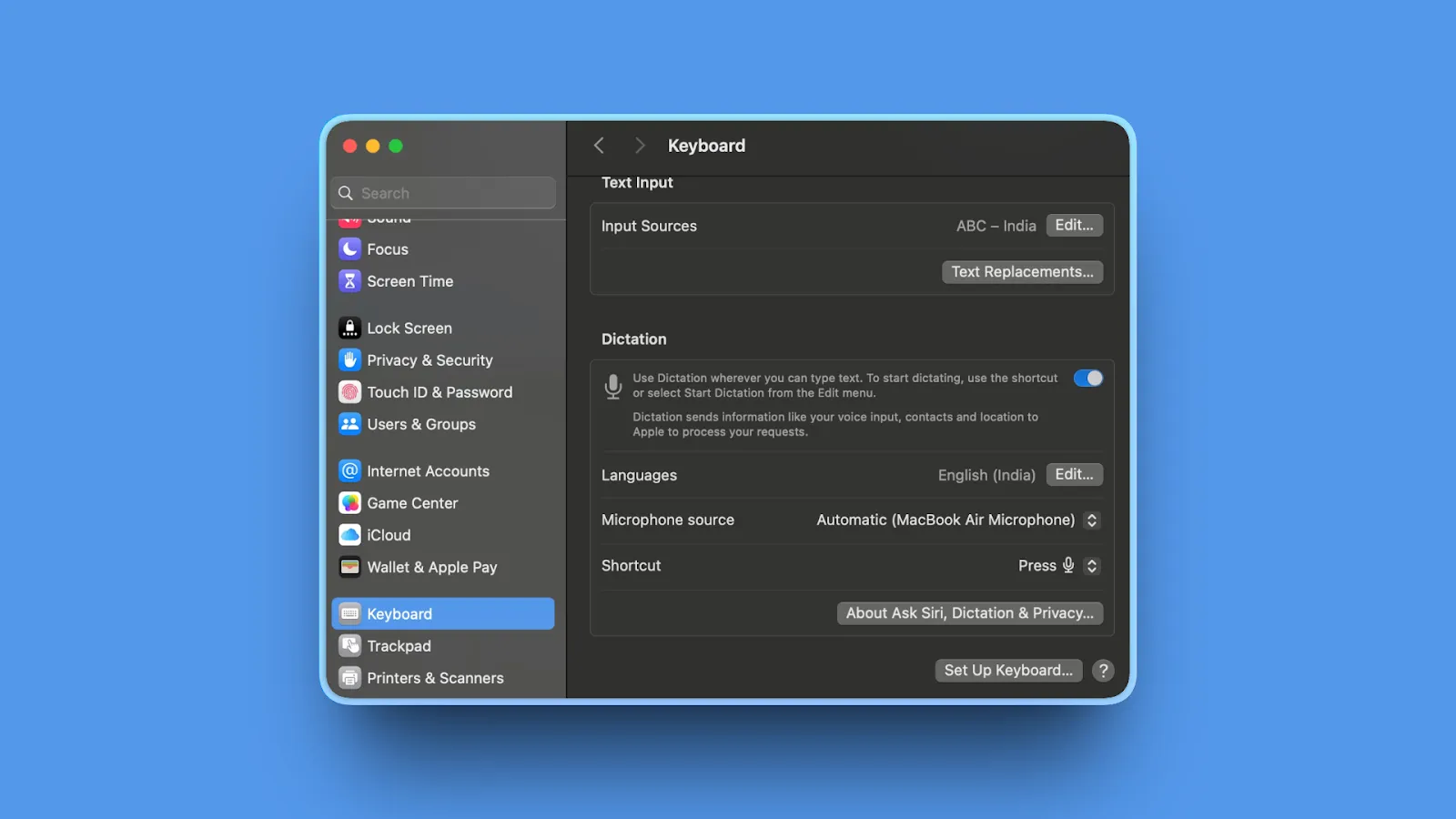
Apple Dictation is already on every Mac and iPhone. It works in any text field, adds punctuation automatically, and handles spoken formatting commands. It is the right control group before you pay for anything.
Our week with Apple Dictation
Fine for short messages, but it sometimes stopped on its own and dropped words in longer or more technical passages. Those gaps are exactly what push most people toward a dedicated app.
Key features
- Built into macOS and iOS with a configurable shortcut
- Automatic punctuation in supported languages
- Spoken punctuation, new line, and new paragraph commands
- On-device processing for many languages once speech models download
Where it wins
- Free and requires no installation
- Works in almost any app
- Private on-device processing for supported languages
- Nothing to configure
Where it loses
- No AI cleanup of filler words or self-corrections
- Stops after 30 seconds of silence
- No custom vocabulary for names and jargon
- Apple devices only
Bottom line: Start with Apple Dictation if you dictate occasionally. Upgrade when you can name the problem you need solved.
Looking for a Free, Open-Source, or Linux Superwhisper Alternative?
Superwhisper is closed source, its free plan has no AI cleanup, and it has no Linux app yet. If you want code you can read, cleanup without a subscription, or dictation on Linux, these are the projects worth trying.
Handy (MIT): Mac, Windows, Linux
More than 30,000 GitHub stars, the most of any project here. Fully local, free, and the simplest to set up on Linux, with AppImage, deb, and rpm packages.
OpenWhispr (MIT): Mac, Windows, Linux
Local models are free and unlimited, with an optional paid cloud, your own API keys, and meeting recordings when you want more.
VoiceInk (GPL-3.0): Apple Silicon Macs
The closest open-source match for Superwhisper on a Mac, with local models and modes. Build it from source for free, or buy from $25 for automatic updates.
FluidVoice (GPLv3): Mac; Windows and iPhone in beta
Free local transcription plus local AI cleanup, the piece Superwhisper keeps behind Pro.
Spokenly (free plan): Mac, Windows, Linux, iPhone
Not open source, but its free plan includes unlimited local Whisper and Parakeet dictation on Linux and Windows as well as the Mac.

Looking for a Superwhisper free alternative? 5 apps that cost less (Mac & Windows)
Which Alternative Should You Choose?
Is your dictation casual, or part of serious work?
For quick messages, notes, and prompts, choose Handy: it is free and good enough. If you dictate client, patient, or company-confidential material, choose Voibe for on-device or zero-retention dictation, security documentation, BAAs, and meeting notes in the same app.
Are you tired of configuring?
Choose Voibe for one privacy decision and no model menus, or Wispr Flow if you are happy with cloud-only dictation. Aqua Voice is a good fit if technical vocabulary is your main problem.
Do you like configuring, but want it cheaper?
Choose VoiceInk on an Apple Silicon Mac, or Spokenly and OpenWhispr for local and cloud models on any desktop, including Linux.
Do you also need meeting notes?
Choose Voibe Work for bot-free meeting notes on Mac and Windows. Wispr Flow and OpenWhispr also combine the two. Superwhisper’s Meetings feature covers the Mac only.
Do you mostly transcribe files?
Choose MacWhisper for local batch transcription and subtitle export for a one-time price.
Do you dictate mostly on your phone?
Stay with Superwhisper, or choose Wispr Flow or Aqua Voice for iPhone and Android. Voibe is a desktop app.
Do you want the lowest long-term cost?
Compare Handy at $0, VoiceInk from $25, MacWhisper Pro at €64, and Voibe at $199, each paid once, against $249.99 for Superwhisper Lifetime or $254.97 for three years of Superwhisper Pro on annual billing.
Best Pick by Use Case
| Use case | Best pick | Why |
|---|---|---|
| Casual dictation, free and open source | Handy | Fully local on Mac, Windows, and Linux |
| Confidential professional work | Voibe | On-device or zero-retention cloud, BAAs, Mac and Windows, lifetime option |
| Dictation plus meeting notes on Windows | Voibe Work | Bot-free meeting notes on Mac and Windows in one app |
| Cheapest Superwhisper-style Mac app | VoiceInk | Open source, local models and modes, from $25 |
| Nothing to configure, on every device | Wispr Flow | Polished cloud AI on Mac, Windows, iOS, and Android |
| Free local and cloud models, including Linux | Spokenly | Free Whisper and Parakeet, optional cloud |
| Open source with an optional cloud | OpenWhispr | Free local models, paid cloud and meetings |
| Code and technical vocabulary | Aqua Voice | Avalon model and live text |
| Free local AI cleanup on Mac | FluidVoice | Local transcription and cleanup, no paid tier |
| Transcribing files and recordings | MacWhisper | Local batch transcription, one-time Pro price |
| Occasional dictation | Apple Dictation | Already installed and free |
How Superwhisper Alternatives Differ
Two choices separate these tools. The first is who configures the app. Superwhisper, Spokenly, and OpenWhispr hand you the model library and let you build your own setup. Wispr Flow and Aqua Voice make every choice for you in the cloud. Voibe, Handy, VoiceInk, and FluidVoice sit in between, with a small number of settings that matter.
The second is where transcription runs. Wispr Flow and Aqua process speech in the cloud. Handy, VoiceInk, FluidVoice, MacWhisper, and the local modes of Superwhisper, Spokenly, and OpenWhispr keep audio on the machine. Voibe lets you pick once for all your dictation: on-device on Apple Silicon, or zero-retention cloud with open-source models on Windows, Intel Macs, or whenever you want a larger model than your Mac can run locally. Unlike Superwhisper, there are no API keys, model menus, or vendor accounts to manage.
Not every popular transcription tool is a Superwhisper replacement. Otter and other meeting bots join your calls as a participant, and Google Docs voice typing works only inside Google Docs. For a broader view, see our guides to the best dictation apps, the best MacWhisper alternatives, and the best Wispr Flow alternatives.
Frequently Asked Questions
What is the best alternative to Superwhisper?
It depends on why you are leaving. For casual dictation, Handy is the best alternative: it is free, open source, and runs locally on Mac, Windows, and Linux. For serious or confidential work, Voibe is the better choice: one choice of fully on-device or zero-retention cloud dictation instead of a model menu, security documentation and BAAs, unlimited dictation on every paid plan, and a $199 lifetime option. The Voibe Work plan adds bot-free meeting notes on Mac and Windows. If you want the closest local Mac app for less, VoiceInk costs $25 once.
Is Superwhisper free?
Yes. Superwhisper Free gives you unlimited dictation with every local Whisper model, up to two modes without AI processing, custom vocabulary, and text replacements. Pro costs $8.49 a month, $84.99 a year, or $249.99 once, and adds cloud models, Parakeet and Cohere Transcribe, AI modes, file transcription, and Meetings. New users get 3,000 words of Pro features to try. Verified students, faculty, and non-profits get 40% off, and Superwhisper offers a 30-day refund window from the first purchase.
What is the best free alternative to Superwhisper?
Handy is the best free alternative on desktop: it is open source, runs Whisper and Parakeet locally on Mac, Windows, and Linux, and has no word limit. Spokenly offers free unlimited local dictation on the same three platforms plus iPhone, FluidVoice adds free local AI cleanup on recent Macs, and OpenWhispr has free unlimited local models. Apple Dictation and Windows voice typing are free and built in. If you only need raw local dictation, Superwhisper’s own free plan is also generous.
Is there an open-source alternative to Superwhisper?
Yes. Handy (MIT) and OpenWhispr (MIT) run on Mac, Windows, and Linux. VoiceInk (GPL-3.0) is the closest open-source match on a Mac, with local models and modes. FluidVoice (GPLv3) is a free Mac app with local AI cleanup. All four can transcribe locally.
What is the best Superwhisper alternative for Windows?
Superwhisper does run on Windows 10 and 11, but its Windows app has no Meetings tab or coding-agent integrations. For Windows, Voibe adds zero-retention cloud dictation and, on Voibe Work, bot-free meeting notes. Wispr Flow is the most polished cloud option. Handy, Spokenly, and OpenWhispr offer free local dictation on Windows.
Does Superwhisper work on Linux?
Not yet. Superwhisper’s documentation lists Linux as “coming soon.” Handy, Spokenly, and OpenWhispr all have Linux apps today, and Handy and OpenWhispr can run fully locally.
Does Superwhisper work offline?
Yes, with local models. Local Whisper, Parakeet, and Cohere Transcribe models run on your device, and Superwhisper says audio and transcripts never leave it when you use them. Offline AI formatting is limited to its small S1-mini model in Message and Mail modes; other AI modes need a cloud model. Voibe works offline in on-device mode on Apple Silicon Macs.
Is Superwhisper safe to use?
Superwhisper is a reasonable choice if you check which model each mode uses. With local models, nothing leaves your device. With its cloud models, Superwhisper says audio and transcripts are processed in memory and not stored, but third-party providers such as OpenAI, Anthropic, Google, Groq, xAI, Deepgram, and ElevenLabs “process it under their own terms.” Its trust center lists SOC 2 Type II and HIPAA compliance, and a BAA is available for its cloud models. Recordings are kept on your computer until you delete them, unless you set auto-delete.
Does Superwhisper have meeting notes?
Yes, since Superwhisper 3.0 on October 15, 2026. Meetings is a Pro feature on Mac that records, transcribes, and summarizes calls in Zoom, Google Meet, Microsoft Teams, and Slack huddles without a bot, and labels speakers. On Windows, Superwhisper offers a Meeting mode with system audio instead of the Meetings tab. Voibe Work takes bot-free meeting notes on both Mac and Windows.
How does Superwhisper compare to Wispr Flow?
They take opposite approaches. Superwhisper gives you local and cloud models, custom modes, and a lifetime license, and works offline with local models. Wispr Flow is cloud-only with almost nothing to configure, costs $15 a month against $8.49 for Superwhisper Pro, and has no lifetime option. Both run on Mac, Windows, iPhone, and Android, and both now take bot-free meeting notes.
Is Voibe better than Superwhisper?
For confidential desktop dictation where you want one privacy decision instead of a model menu, yes. Voibe costs less to own outright, never keeps your audio, and takes meeting notes on Windows as well as Mac. Superwhisper is the better fit if you want to choose models and write your own AI modes, dictate on your phone, or want the cheapest monthly plan.
Can I move my Superwhisper vocabulary to another app?
Yes. Open Superwhisper’s vocabulary settings, copy the words you added, and paste them into the new app’s list. In Voibe, you can paste a whole list into the Dictionary in one go, so names, product terms, and jargon come with you.
Final Verdict
Superwhisper is still the right tool for some people: tinkerers who enjoy choosing models and writing prompts, heavy phone dictators who want one license everywhere, and anyone happy with unlimited raw local dictation for free. If that is you, stay, and read our Voibe vs Superwhisper comparison before you buy a lifetime license.
Everyone else has better options. For casual dictation, start with Handy: it is free, open source, and local. If dictation is part of serious or confidential work, switch to Voibe for one clear privacy choice on Mac and Windows, a lifetime option that costs less, and Voibe Work for meeting notes on both platforms. Pick VoiceInk for a cheaper local Mac app and Wispr Flow for cloud dictation with nothing to set up.
The best test is your own work. Install two finalists, dictate the same email, a paragraph full of names and jargon, and a five-minute brain dump, then compare the text you would actually send. The tool that leaves you less cleanup is the right replacement.
Ready to move on from Superwhisper?
Voibe works across Mac and Windows with unlimited dictation on every paid plan, a custom Dictionary, and Memory. Use fully on-device transcription on Apple Silicon or zero-retention cloud transcription with open-source models. Upgrade to Voibe Work for bot-free meeting notes in the same app.
Try Voibe freeMore dictation guides
8 Apple Dictation Alternatives That Don't Time Out (2026)
Apple Dictation times out after a minute and trips on technical terms. These 8 Mac alternatives never cut you off, run offline, and hit 97%+ accuracy.
9 Best Wispr Flow Alternatives in 2026 (Actually Compared)
A current comparison of 9 Wispr Flow alternatives across privacy, security, reliability, offline use, AI cleanup, platforms, and pricing.
11 Best Willow Voice Alternatives 2026 (Reviewed)
Compare 11 Willow Voice alternatives in 2026. Explore offline dictation tools with detailed reviews of privacy, lifetime pricing, and Mac performance.
10 Best Dragon Dictation Alternatives in 2026 (Actually Compared)
10 Dragon alternatives: 1. Voibe 2. Wispr Flow 3. Superwhisper 4. Voice Access 5. Voice Control 6. Talon 7. Handy 8. Braina 9. Apple Dictation 10. Windows voice typing
10 Best MacWhisper Alternatives In 2026 (Reviewed)
Compare 10 MacWhisper alternatives in 2026. Explore offline and real-time dictation tools with detailed reviews of privacy, speed, pricing, and accuracy for Mac users.
11 Best Aqua Voice Alternatives for Mac Dictation (2026)
Discover 11 Aqua Voice alternatives with offline access, privacy-first tools, and one-time pricing. Compare Mac dictation apps that work on your terms.
9 Best Monologue Alternatives (Reviewed)
Compare 9 Monologue alternatives across privacy, pricing, and platforms. From Voibe on Mac and Windows to Wispr Flow and free picks.
10 Best Typeless Alternatives in 2026 (Free and Open-Source)
10 Typeless alternatives: 1. Handy 2. Voibe 3. Wispr Flow 4. Superwhisper 5. VoiceInk 6. OpenWhispr 7. Aqua Voice 8. Willow Voice 9. Monologue 10. Apple Dictation
12 Best Dictation Apps in 2026 (Free and Paid)
Compare Handy, Voibe, Wispr Flow, Spokenly, FluidVoice, and more in our 2026 guide. See free plans, offline options, pricing, privacy, and the best fit for you.
Why Talking to AI Changes Everything
Talking preserves more of your real intent than typing, which helps models get it right on the first try. Practical tips, research references, and an FAQ.